PDF Too Large to Email or Upload? 6 Ways to Make It Smaller
Published 7 November 2026 · SepoooTools blog
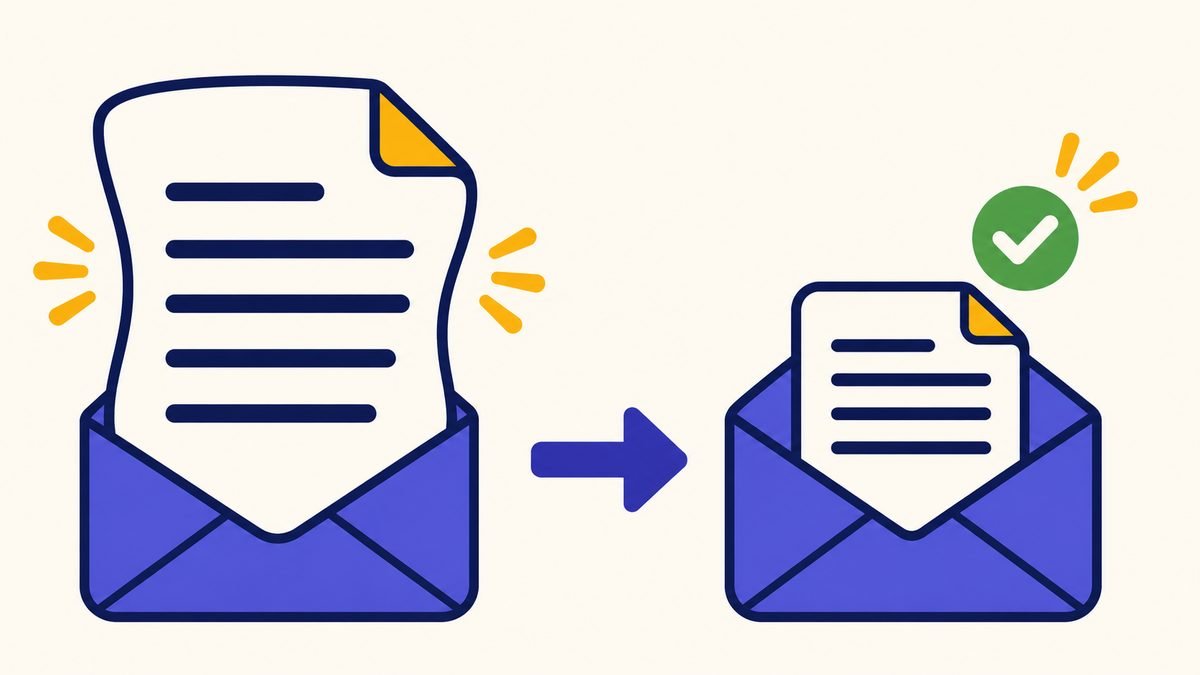
"Attachment too large." "Maximum file size: 5 MB." If you have seen these messages, you know the feeling. The document is ready, the deadline is today, and the file just will not go through.
Here are six ways to fix it – start with number one and stop as soon as it works.
Want the short answers first? Read Why is my PDF so big? 9 questions. This guide is the hands-on fix.
Why PDFs get so big
Text is small. Pictures are big. A 20-page contract made in Word may be 300 KB. The same 20 pages scanned with a phone may be 40 MB, because each page is a full photo. Most "too big" PDFs are scans.
1. Compress the PDF
This is the fastest fix. The Compress PDF tool redraws every page with a smaller picture. You can pick a level, or type a limit like 5 MB and let the tool try settings for you.
Open Compress PDF – free, nothing is uploaded →
One honest note: after compression, pages become pictures. That means you cannot select or search the text any more. For scans this changes nothing, because they were pictures anyway.
2. Split it into parts
If a portal allows several uploads, send "Part 1" and "Part 2". Split PDF cuts the file at the page you choose. This keeps full quality.
3. Remove pages nobody needs
Blank backs of pages, cover sheets, the same page twice – it happens a lot with scans. Use Delete PDF Pages and type the page numbers, for example "2, 5-6".
4. Rebuild from smaller photos
If you made the PDF from phone photos, make it again with JPG to PDF and a lower quality setting. Letters and forms stay readable even at medium quality.
5. Send a link instead
For email, you can upload the file to your own cloud (Google Drive, OneDrive, iCloud) and send the share link. Gmail does this by itself for attachments over 25 MB. But many offices do not open links for safety reasons – then you need a smaller file.
6. Ask for a different way
If nothing works, call or write and ask. Many offices accept several emails, a USB stick, or a visit. It is better to ask than to send unreadable pages.
How small is small enough?
- Email: stay under 10 MB to be safe – many work email servers block more, even if Gmail allows 25 MB.
- Job portals: often 2–5 MB for all documents together.
- Government portals: often 1–5 MB per file. Read the small print next to the upload button.
Do not do this
- Zip the PDF – it saves almost nothing, and many portals refuse ZIP files.
- Take screenshots of each page – quality drops and page order gets messy.
- Upload private documents to unknown sites. Our tools never upload your file.
Things that make this easier
- USB stick 64 GB – when a file is too big to email
- Wi-Fi printer with scanner – scanner settings for smaller files
Als Amazon-Partner verdiene ich an qualifizierten Verkäufen. Links open Amazon.de. The price stays the same for you.
Questions people ask
How can I make a PDF smaller for free?
Use Compress PDF. Choose a level or type the size limit and download the smaller file.
Why is my PDF so large?
Usually because it contains photos or scanned pages. Text-only PDFs are small.
Does compressing a PDF lower the quality?
Pictures get a bit softer. Text in scans normally stays readable. Check the result before sending.
What is the Gmail attachment limit?
25 MB. Larger files are sent as a Google Drive link.
Can I compress a PDF on my phone?
Yes, the tool works in the phone browser and the file stays on your phone.
General information only. Rules change – always check the official page of the office you are applying to.